
AI thumbnail generator for YouTube videos
Tell us what your video is about and the words for the title. Pick a style. Get a bold, high-contrast thumbnail and download it at 1280 × 720 for YouTube. No prompt writing.
Made with Imavro
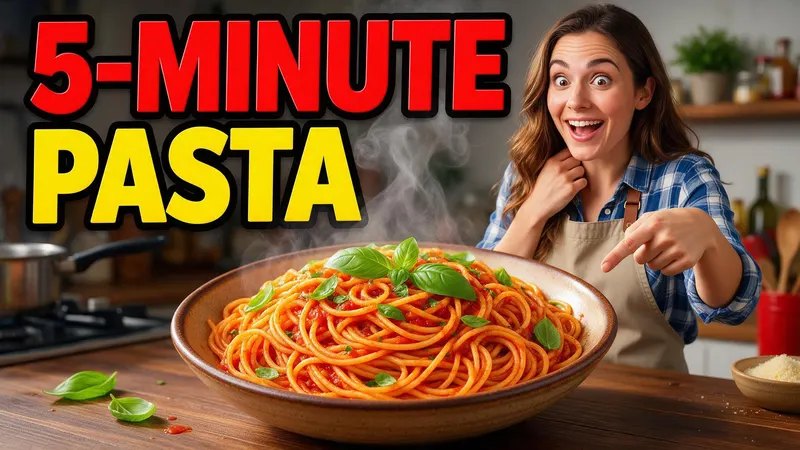
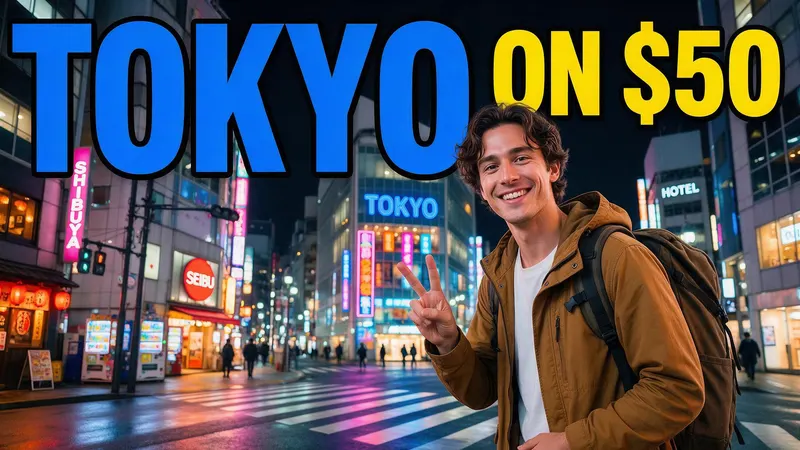
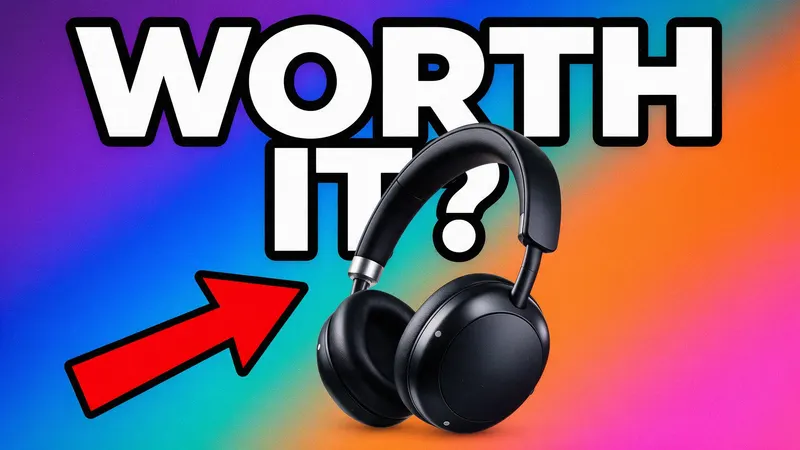
Each thumbnail started from a short description with the title to show. Real results, not edited.

How it works
Get a click-worthy thumbnail without opening an editor.
Describe your video
“A thumbnail for my 5-minute pasta video” is enough. Add the exact title words you want on it.
Pick a few choices
Choose a style, such as bold and bright, clean or dramatic, and whether a person should be in it.
Download at 1280 × 720
Download a JPG or PNG at 1280 × 720 and upload it to YouTube.
What people make with it
How-to and cooking
Big titles and a clear result shot that shows what viewers will learn.
Travel and vlogs
Bright scenes with a short hook in the title.
Reviews and tech
Product shots with a question or verdict.
Fitness and lifestyle
Energetic shots with a short, bold promise.
Questions
Can it put my title on the thumbnail?
Yes. Short titles of two to four words come out most reliably. The model can occasionally add small extra text or drop a character, so check before you upload.
Can I use my own face?
Add a photo of yourself as a reference image. Results look similar, but faces can change, so many creators add their real photo in an editor afterward.
Is it free?
You can create a free image to try without signing up, and a free account includes 3 images. Paid plans start at $9 a month for 50 images.
What size is right for YouTube?
1280 × 720 pixels (16:9). Download it at that exact size from My assets.
Can I use the thumbnail on my channel?
Yes. You own the images you create with Imavro and can use them for personal and commercial projects, as described in our Terms of Service.
More ways to create
AI logo generator
Logos for bands, teams, gaming and small shops.
AI icon generator
App and website icons as SVG or PNG.
AI SVG generator
Logos, icons and flat illustrations as real vector files.
AI poster generator
Event, sale and promo posters with your headline.
AI flyer generator
Flyers for openings, services and local events.
AI banner generator
Wide banners for channels, websites and sales.
AI clipart generator
Clipart with a transparent background, as PNG or SVG.
AI coloring page generator
Printable coloring pages for kids and adults.
AI emoji generator
Custom emoji for Slack, Discord and chats.
AI mascot generator
Friendly characters for your brand, team or app.
Make your next thumbnail in minutes.
No prompt writing. Your first image is free.
Make a thumbnail