
AI SVG generator for logos, icons and illustrations
Describe what you need in plain words. Pick a few choices. Get a real vector file that stays sharp at any size. No prompt writing.
Made with Imavro
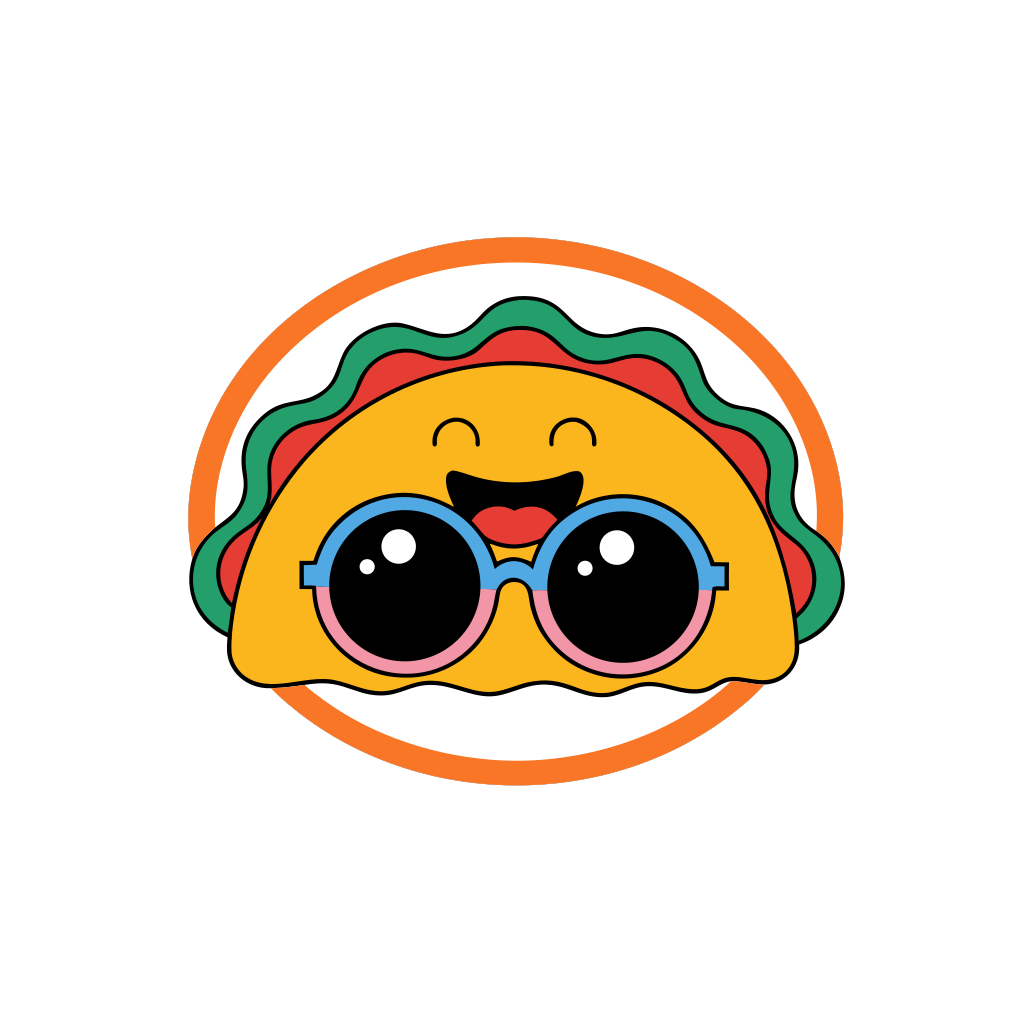
Each of these started as one plain sentence. All four are real SVG files, between 20 and 46 KB.



How it works
You don’t need design skills or a perfect prompt.
Describe your idea
“A logo for my bakery” or “icons for a fitness app” is enough. You can add a reference image too.
Pick a few choices
Answer short multiple-choice questions about style, colors and layout, then choose SVG as the file type.
Download your SVG
Your vector file is saved to My assets. Download the original SVG, or a PNG, JPG or PDF at any size.
What people make with it
Logos and brand marks
Simple marks for a shop, a podcast, a team or a side project, ready to resize for a website, social profile or slide.
Icons
App icons, website icons and small sets in a matching style. SVG keeps every edge crisp at 16 px or 1,600 px.
Flat illustrations
Hero images, empty states and blog illustrations that load fast and scale with your layout.
Stickers and badges
Bold, outlined designs for stickers, merch mockups and social posts.
Questions
Is it a real vector file?
Yes. You get an SVG made of vector shapes, not a photo saved with an .svg name. It stays sharp at any size and opens in Illustrator, Figma, Inkscape and most design tools.
Do I need to write a prompt?
No. Describe your idea in plain words, answer a few quick multiple-choice questions, and Imavro writes the details for you.
Which plan includes SVG?
SVG files are part of Pro ($29 a month) and Studio ($79 a month), on any image you create. Each SVG counts as one image.
Can I get an SVG on the free plan?
Free and Basic accounts can download any image as an SVG traced in the browser. It turns the picture into simplified vector shapes, which works best for flat artwork. Pro and Studio create the SVG directly, with cleaner shapes.
Can I use the SVG for my business?
Yes. You own the images you create with Imavro and can use them for personal and commercial projects, as described in our Terms of Service.
What is an SVG?
SVG (Scalable Vector Graphics) describes an image with shapes and lines instead of pixels, so it never gets blurry when you make it bigger. Browsers display it directly, and design tools can edit it.
More ways to create
AI logo generator
Logos for bands, teams, gaming and small shops.
AI icon generator
App and website icons as SVG or PNG.
AI poster generator
Event, sale and promo posters with your headline.
AI flyer generator
Flyers for openings, services and local events.
AI banner generator
Wide banners for channels, websites and sales.
AI thumbnail generator
YouTube thumbnails with big, bold titles.
AI clipart generator
Clipart with a transparent background, as PNG or SVG.
AI coloring page generator
Printable coloring pages for kids and adults.
AI emoji generator
Custom emoji for Slack, Discord and chats.
AI mascot generator
Friendly characters for your brand, team or app.
Turn your idea into a vector file.
No prompt writing. Each SVG counts as one image on Pro.
Create an SVG